

Zoho Payroll
VerifiedMay be outdatedWhat is Zoho Payroll?
Zoho Payroll is a comprehensive payroll management solution designed to simplify and automate payroll processes for businesses across the United States. Supporting all 50 states, the platform ensures end-to-end automation for payroll processing, enabling businesses to handle employee compensation, tax calculations, and compliance with ease. Zoho Payroll is deeply integrated into Zoho’s ecosystem, offering seamless connections with other applications like Zoho Books and Zoho Expense for a unified business management experience.
The platform handles diverse compensation structures, allowing businesses to process salaries, overtime, benefit deductions, and tax withholdings efficiently. With built-in compliance features, Zoho Payroll ensures adherence to federal, state, and local tax laws while automating tax filings and payments. Businesses can also manage employee benefits like healthcare, retirement contributions, and paid time off, making it a holistic tool for employee well-being and payroll management.
Zoho Payroll also prioritizes data security and collaboration, with fine-grained user roles and encryption to protect sensitive information. Employees can access their payroll details through a self-service mobile app, ensuring transparency and accessibility. Scalable for businesses of any size, Zoho Payroll is an ideal solution for startups and large enterprises looking to streamline payroll operations and maintain compliance effortlessly.
Pricing
Starting at $32.50/month · Subscription
Features
20 features that make Zoho Payroll stand out.
- Automatic Tax Payment
- Tax Calculation
- Tax Filing
- User, Role, and Access Management
- Wage Garnishment
- Web Portal
- Approvals
- Benefits Manager
- Multi Country
- Payroll Entry
- Pre-tax Deductions
- Scalability
Pros & Cons
Pros
- Ease of UseMany users praise Zoho Payroll’s simple and intuitive interface, which makes it accessible even to those without a technical background. It’s especially appreciated for its easy navigation and user-friendly dashboard, reducing the learning curve for new users.
- Integration with Zoho SuiteIntegrating with other Zoho products, such as Zoho People, is a strong advantage for users already in the Zoho ecosystem. This allows for smoother HR and payroll operations, making it an all-in-one solution for small businesses.
- Automated Payroll FeaturesZoho Payroll automates several tasks, including tax deductions, salary payments, and payslip generation, which helps reduce manual errors and saves time for small businesses.
- Affordability for Small TeamsThe software is affordable for small teams, particularly startups or businesses with fewer than ten employees. There’s even a free trial period to explore the complete feature set before committing.
- Direct DepositUsers value seamless payroll processing, including features like direct deposit and payroll management, which ensure timely salary disbursement.
Cons
- Limited CustomizationSome users report that Zoho Payroll is rigid and lacks sufficient customization options, particularly when handling specific payroll policies or exit processes outside standard operations.
- Customer Support IssuesSeveral users express frustration with Zoho’s customer support, mentioning delayed responses or unresolved issues. This has been a significant concern, especially when facing complex technical problems.
- Inflexible Payroll CalendarA common complaint is that the payroll schedule is demanding to modify once set, which can cause issues if adjustments need to be made after the initial setup.
- Missing Advanced Features in Basic PlansWhile Zoho Payroll offers various plans, more advanced features, such as custom reporting or multi-level approvals, are locked behind higher-tier plans. This can be a limitation for businesses looking for these functionalities without paying extra.
- Limited ScalabilityAs businesses grow and require more advanced HR and payroll features, Zoho Payroll struggles to meet these needs. Due to its lack of flexibility and advanced features, it may not be the best fit for companies that plan to scale rapidly.
Zoho Payroll alternatives
Tools buyers consider alongside Zoho Payroll.
Frequently asked questions
Is Zoho Payroll free to use?
How much does Zoho Payroll cost?
What does Zoho Payroll integrate with?
Who is Zoho Payroll best suited for?
How long does it take to onboard Zoho Payroll?
About the authors

Rashi Arora is currently working as a Project Manager at Aventra Group. Prior to this, she was a Product Owner at Broadcom. Rashi has gained expertise by managing renewals on Salesforce CPQ and improving the Renewal Admin Portal. Her strategic involvement in transitioning customer experiences from perpetual to SaaS models highlights her ability to modernize business operations. Rashi’s academic background from the prestigious International Institute of Information Technology Bangalore, coupled with her training from Product School, forms a strong foundation for her career. She effectively comb
LinkedIn ↗
Ana Maria Stanciuc is a highly skilled writer and content strategist with 10+ years of experience. She has experience in technical and creative writing across a variety of industries. With a background in journalism, her expertise goes beyond writing, as she brings a unique combination of creative storytelling and technical accuracy to her work. She is currently the Head of Content at Tekpon and the Editor in Chief for Tekpon Magazine. In her current role, she leverages her extensive writing experience and strategic insight to produce valuable content. Ana-Maria specializes in reviewing and cu
LinkedIn ↗Read more about Zoho Payroll
Editorial deep dives and how-to guides covering this tool and its category.
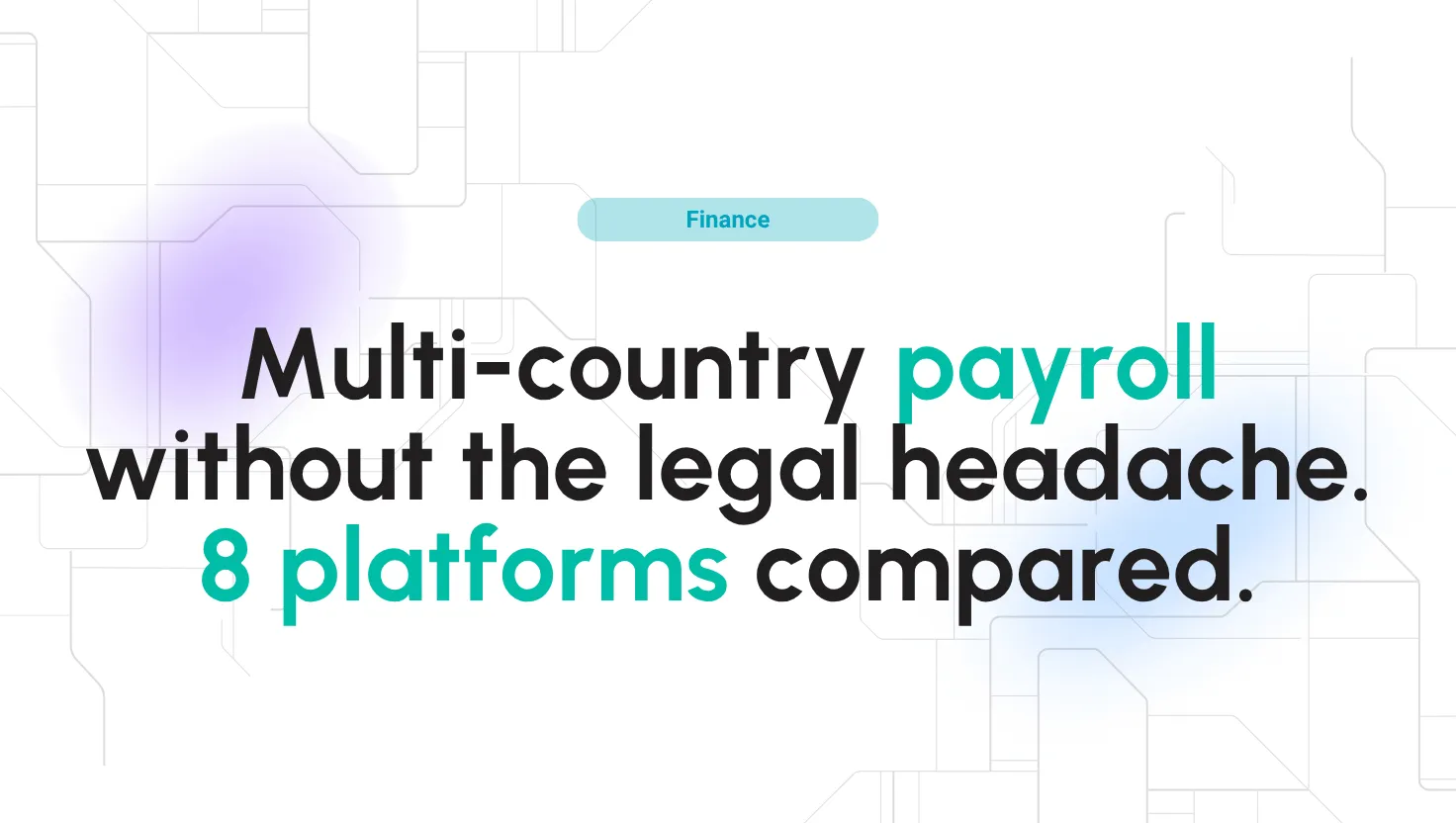
Best global payroll software and providers 2026
Best global payroll providers in 2026: features, pricing & how Multiplier, Deel, Remote, Papaya Global & Oyster HR handle payroll in 150+ countries.

Best AI Tools in 2026: 15 Powerful Platforms for Work, Content, and Productivity
AI tools have moved far beyond simple chatbots. This guide compares 15 of the best AI platforms in 2026 for research, writing, design, video, meetings, automation, coding, and everyday productivity so you can build a practical AI stack without paying for overlapping tools.

Customer Segmentation Using AI: Smarter Insights, Better Results
AI-driven segmentation lets you discover the real clusters in behaviour, intent and value — and act on them weekly rather than once a quarter.

Best ecommerce personalization software in 2026
Ecommerce personalization software uses behavioral data and AI to tailor every part of the shopping journey, from product recommendations and search results to email and push notifications. The best platforms in 2026 combine real-time personalization, omnichannel orchestration, a
Browse related categories
Other directories where this product (and its competitors) live.




Payroll Software
Payroll software is a modern substitute for payments made. It can assist businesses in organizing, managing, and automating the payment process. People can get paid, pay their bills online, and do many things with a system of this type. It will free your HR team from this repetitive task.




Form Builder Software
The form builder software is a web application with features for designing and managing forms. In addition, it is an indispensable instrument for collecting the necessary information.




Digital Asset Management Software
Digital asset management software is a digital era tool for managing digital assets. So, the first thing to understand is the Digital Asset. The digital asset involves digital files like logos, images, presentations, videos, and more. They are digital assets because the brands invest in them for various purposes.




Shopping Cart Software
Shopping cart software is a vital tool for e-commerce businesses, providing a seamless way to manage online transactions and product purchases. This software allows customers to select items for purchase, view their selections, and proceed to checkout.




Content Management Systems
A content management system (CMS) is a software application that allows users to create, manage, and publish digital content, such as website pages, blog posts, and multimedia files, without needing to know coding or programming languages. A good CMS is a platform for website content design, development, and publication. It provides users with a user-friendly interface and tools to create, edit, and publish digital content.


Cloud Management Platforms
A Cloud Management Platform (CMP) is an essential toolset for overseeing and administering cloud environments, which can include public, private, hybrid, and multi-cloud setups.