

Asure
VerifiedMay be outdatedWhat is Asure?
Asure Software is a provider of cloud-based Human Capital Management (HCM) solutions designed to help businesses streamline payroll and HR processes. Their offerings include payroll processing, time and attendance tracking, and HR compliance services, all aimed at enhancing efficiency and ensuring compliance with regulatory requirements.
In addition to these core services, Asure offers tools for recruiting, onboarding, and benefits administration, providing a comprehensive suite for managing the entire employee lifecycle. Their solutions are scalable, catering to the needs of both small and mid-sized businesses as well as large enterprises.
Notably, PeopleStrategy clients are now being served by Asure, expanding Asure’s capabilities and client base.
This integration underscores Asure’s commitment to delivering robust HCM solutions that adapt to the evolving needs of businesses.
Pricing
Starting at Custom · Subscription
Features
41 features that make Asure stand out.
- Time & Attendance
- Self-service Portal
- Recruitment Management
- Performance Management
- Payroll Management
- Onboarding
- Learning & Development
- Employee Profiles
- Employee Database
- Compensation Management
- Benefits Management
- Applicant Tracking
Pros & Cons
Pros
- Ease of UseUsers have reported that PeopleStrategy is easy for both employees and administrators to use, highlighting its excellent reporting capabilities.
- Comprehensive SuiteThe software offers a totally integrated HR administration system, covering everything from applicant attraction and onboarding to payroll and beyond, which users find beneficial for managing HR tasks efficiently.
- Continuous ImprovementFeedback indicates that the software and service are continuously improving, which suggests that the PeopleStrategy team is responsive to user feedback and committed to enhancing their product.
- Custom Reporting and Integration OptionsCustomers appreciate the custom reporting features and the plethora of integration options available, which help in making informed decisions and improving HR processes.
- Support for Various HR FunctionsThe platform supports a wide range of HR functions, including benefits enrolment, access via mobile devices, risk management resources, and employee benefits consulting.
Cons
- Integration LimitationsA minor drawback noted is the inability to integrate PTO time without using the time and attendance component. Additionally, certain functions cannot be integrated unless you have purchased that specific package, which may limit flexibility for some organisations.
- Occasional ErrorsUsers have reported random errors with the payroll system and challenges with accurately reflecting changes in employee details.
Asure alternatives
Tools buyers consider alongside Asure.
Frequently asked questions
Is Asure free to use?
How much does Asure cost?
What does Asure integrate with?
Who is Asure best suited for?
How long does it take to onboard Asure?
Read more about Asure
Editorial deep dives and how-to guides covering this tool and its category.
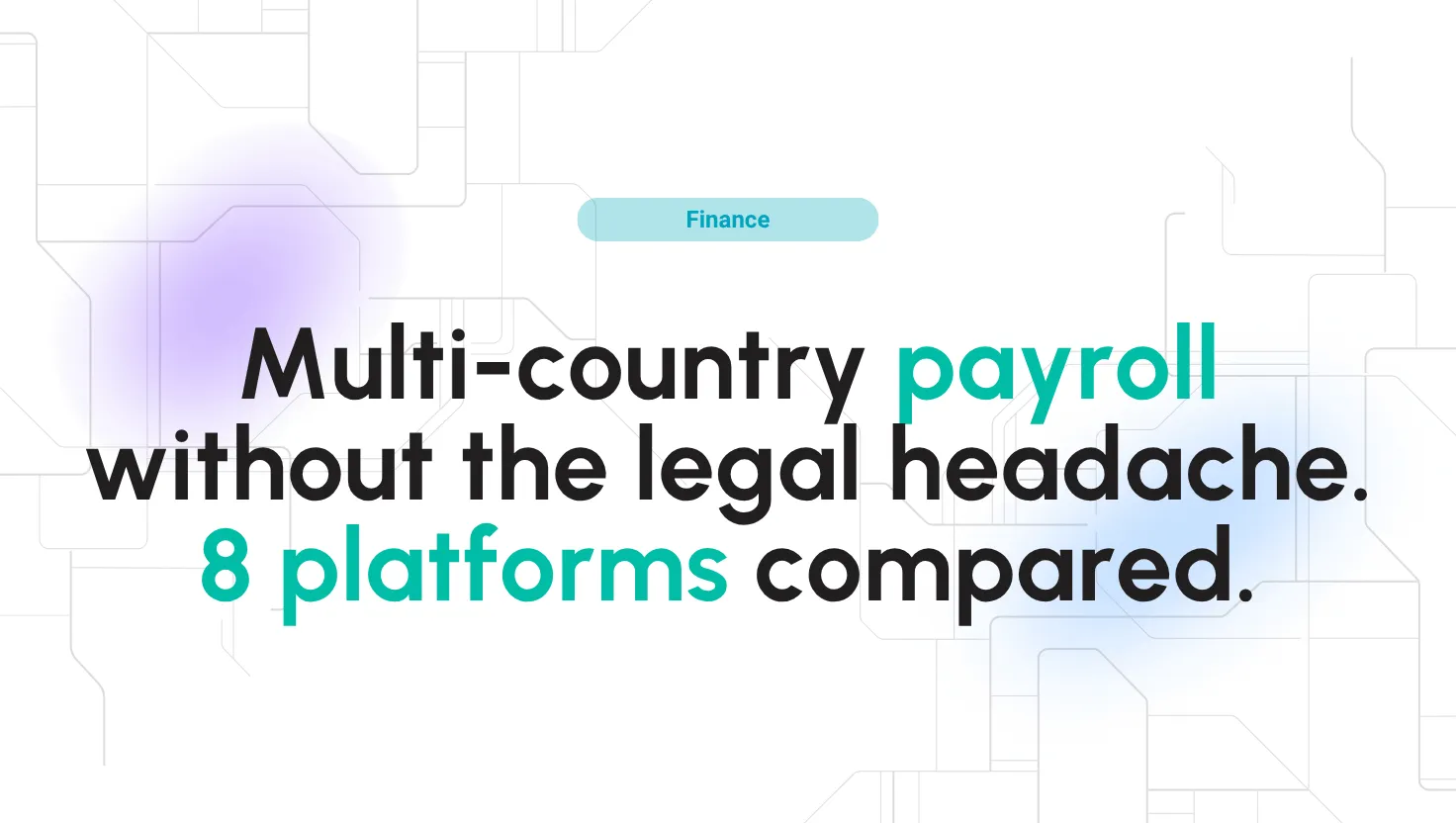
Best global payroll software and providers 2026
Best global payroll providers in 2026: features, pricing & how Multiplier, Deel, Remote, Papaya Global & Oyster HR handle payroll in 150+ countries.

Best AI Tools in 2026: 15 Powerful Platforms for Work, Content, and Productivity
AI tools have moved far beyond simple chatbots. This guide compares 15 of the best AI platforms in 2026 for research, writing, design, video, meetings, automation, coding, and everyday productivity so you can build a practical AI stack without paying for overlapping tools.

Customer Segmentation Using AI: Smarter Insights, Better Results
AI-driven segmentation lets you discover the real clusters in behaviour, intent and value — and act on them weekly rather than once a quarter.

Best ecommerce personalization software in 2026
Ecommerce personalization software uses behavioral data and AI to tailor every part of the shopping journey, from product recommendations and search results to email and push notifications. The best platforms in 2026 combine real-time personalization, omnichannel orchestration, a
Browse related categories
Other directories where this product (and its competitors) live.




HR Software
Finding the best HR Software is no small task. First, you must evaluate your requirements and see if they fit your budget. Every company needs some Human resource solution. After all, it solves the core problem of tracking employees, handling them, and ensuring they get their paychecks at the right time. With the right HR Software, you can address a big part of the company’s workflow and ensure smooth running with less manual work.




Payroll Software
Payroll software is a modern substitute for payments made. It can assist businesses in organizing, managing, and automating the payment process. People can get paid, pay their bills online, and do many things with a system of this type. It will free your HR team from this repetitive task.
Procurement Software
Procurement software automates and streamlines the entire purchasing lifecycle, from identifying business needs and sourcing vendors to generating purchase orders, matching invoices, and processing payments. It replaces manual spreadsheets, scattered email approvals, and disconnected systems with a centralized platform that gives finance, IT, and operations teams real-time visibility into every dollar spent.


Cloud Management Platforms
A Cloud Management Platform (CMP) is an essential toolset for overseeing and administering cloud environments, which can include public, private, hybrid, and multi-cloud setups.




Lifestyle Software
Most of our tasks are strongly related to the digital environment. It would have been surprising if the lifestyle field had not been translated into a piece of software. This term covers a wide range of uses that contribute to satisfaction in the users’ lives.




Task Management Software
Task management software facilitates teams to manage individual tasks and organize a user’s daily workflow. It accomplishes this by generating to-do task lists with start and end dates, task components, task categorization, and individual task separation.